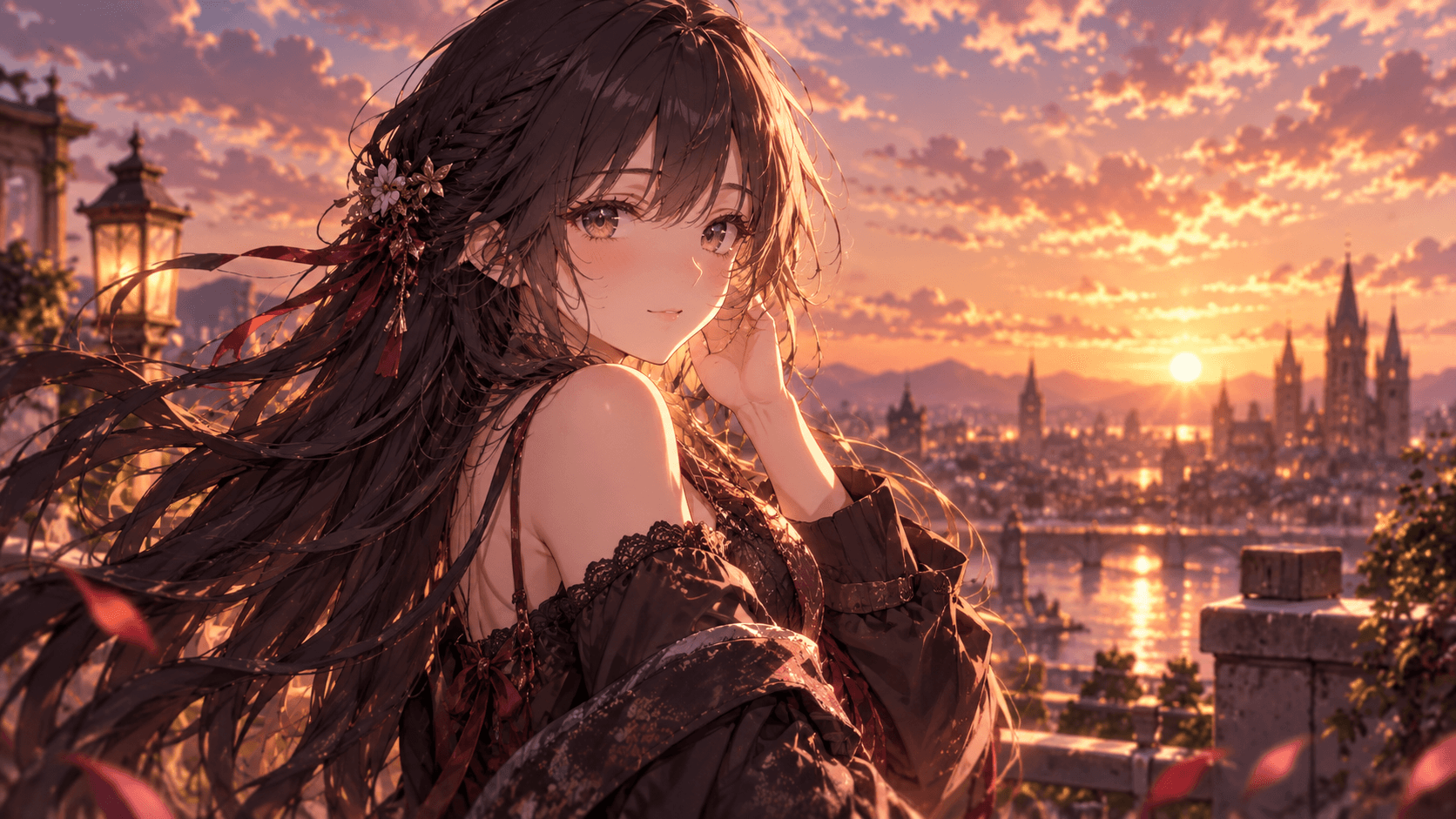

Generate Anime Images
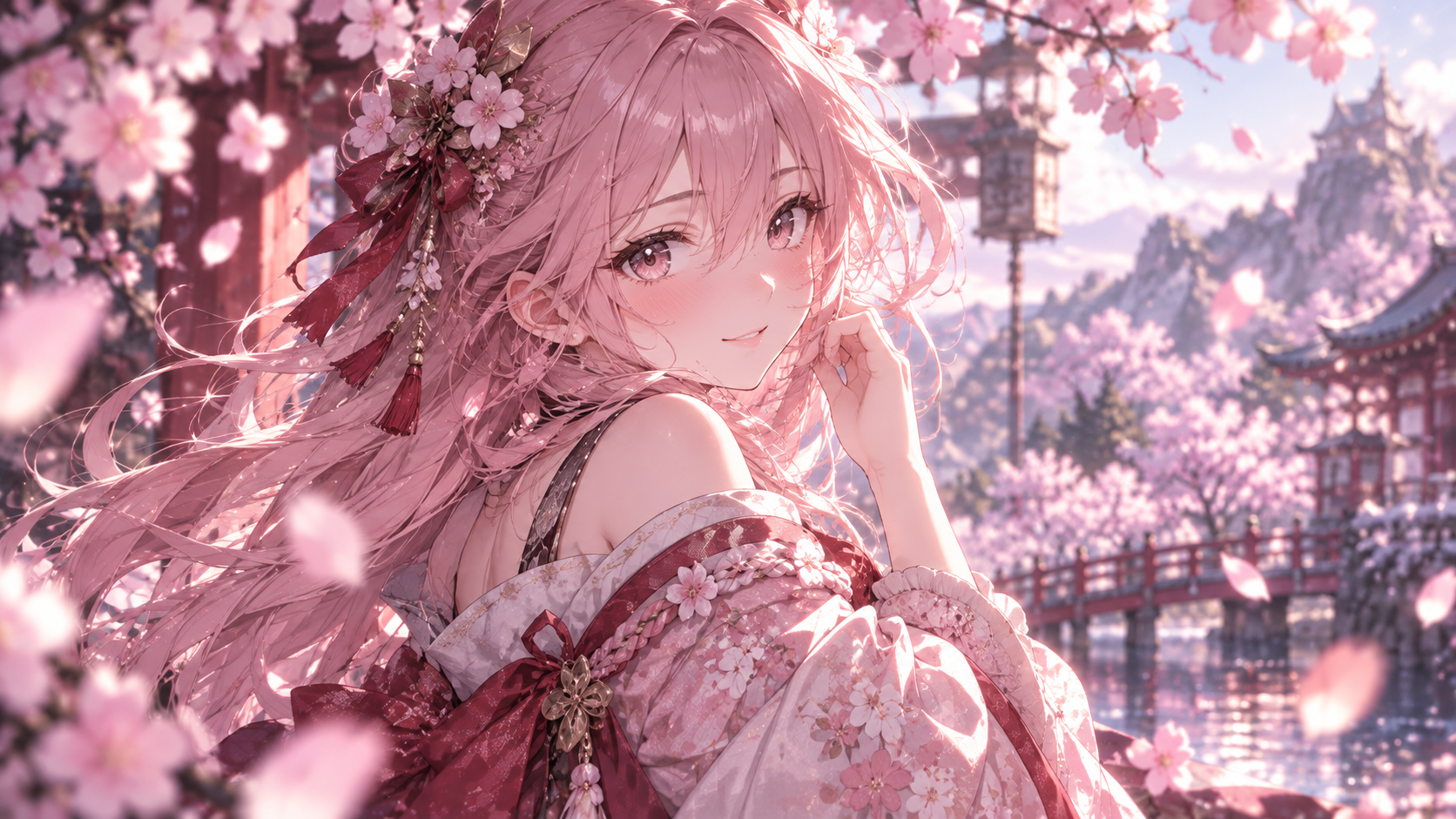
Turn a natural-language idea into a polished anime image.

Your Ideas. More Anime Possibilities.
Tell your AI anime agent what you want. Generate, edit, refine, and animate your ideas through conversation.
 Multi-turn editing
 Character consistency
 Text to image
 Image to image
Preparing your workspace
Create anime characters and scenes, refine images by chat, and guide short motion clips with a natural-language request.
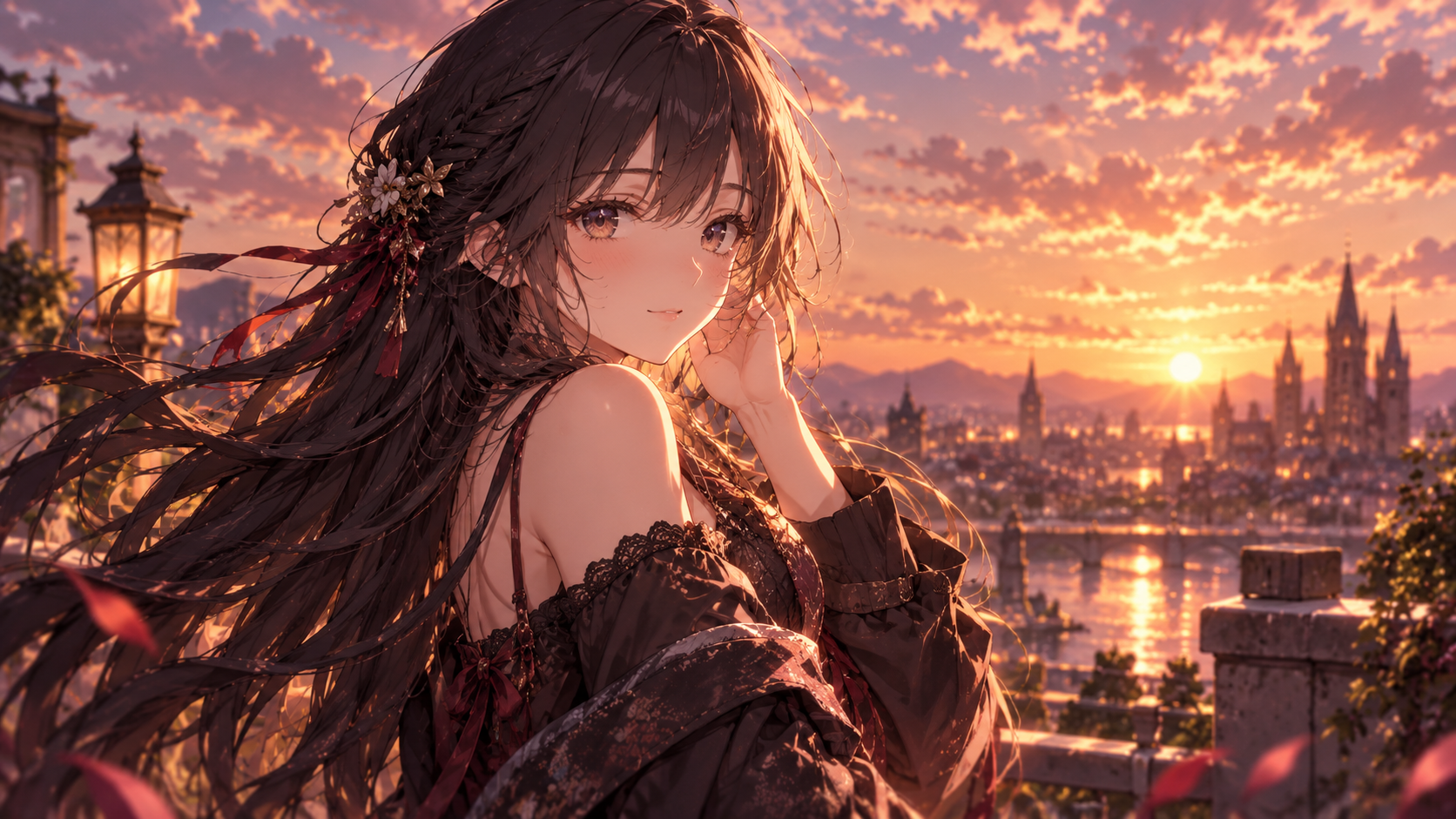
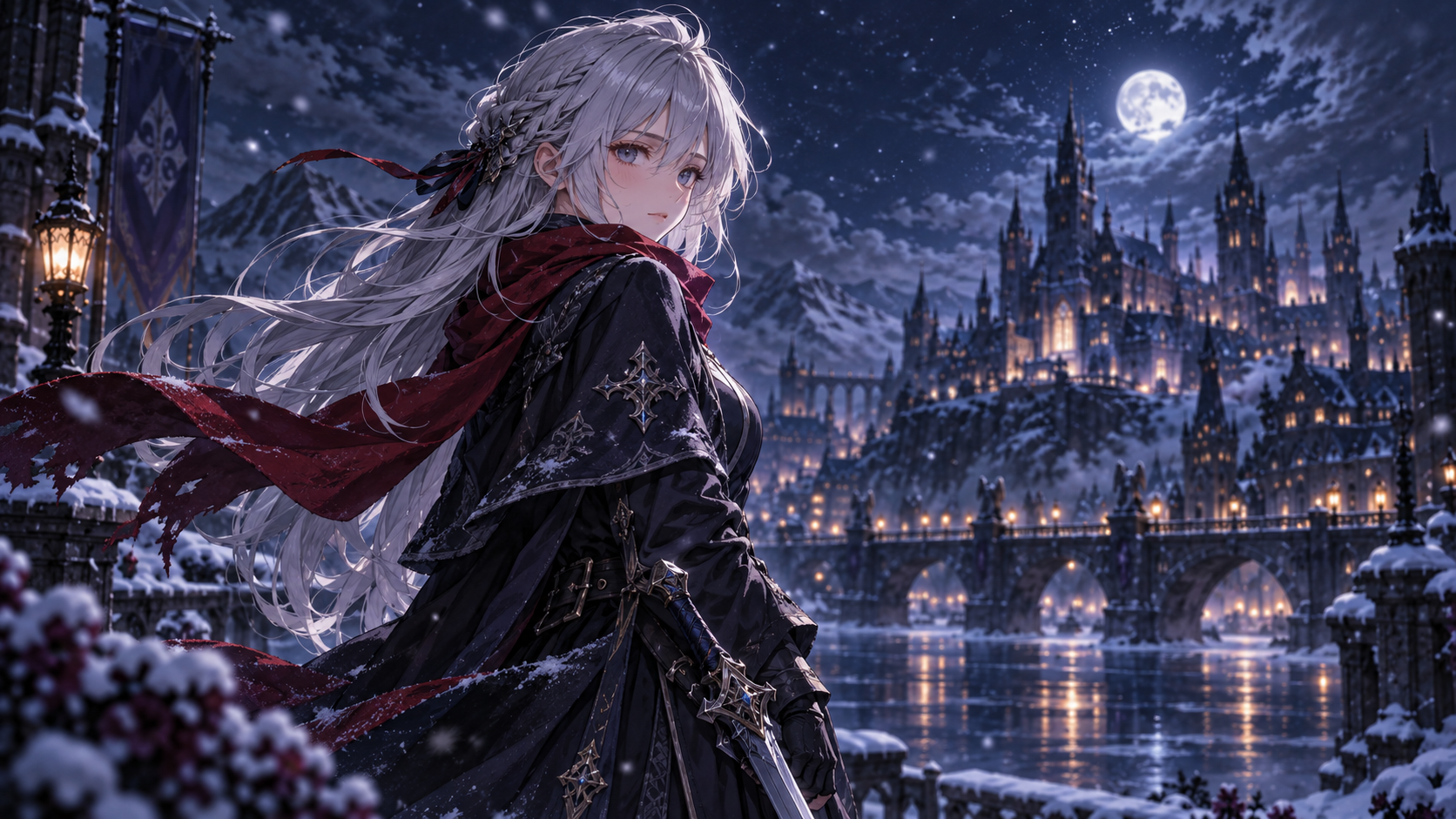
Example conversation
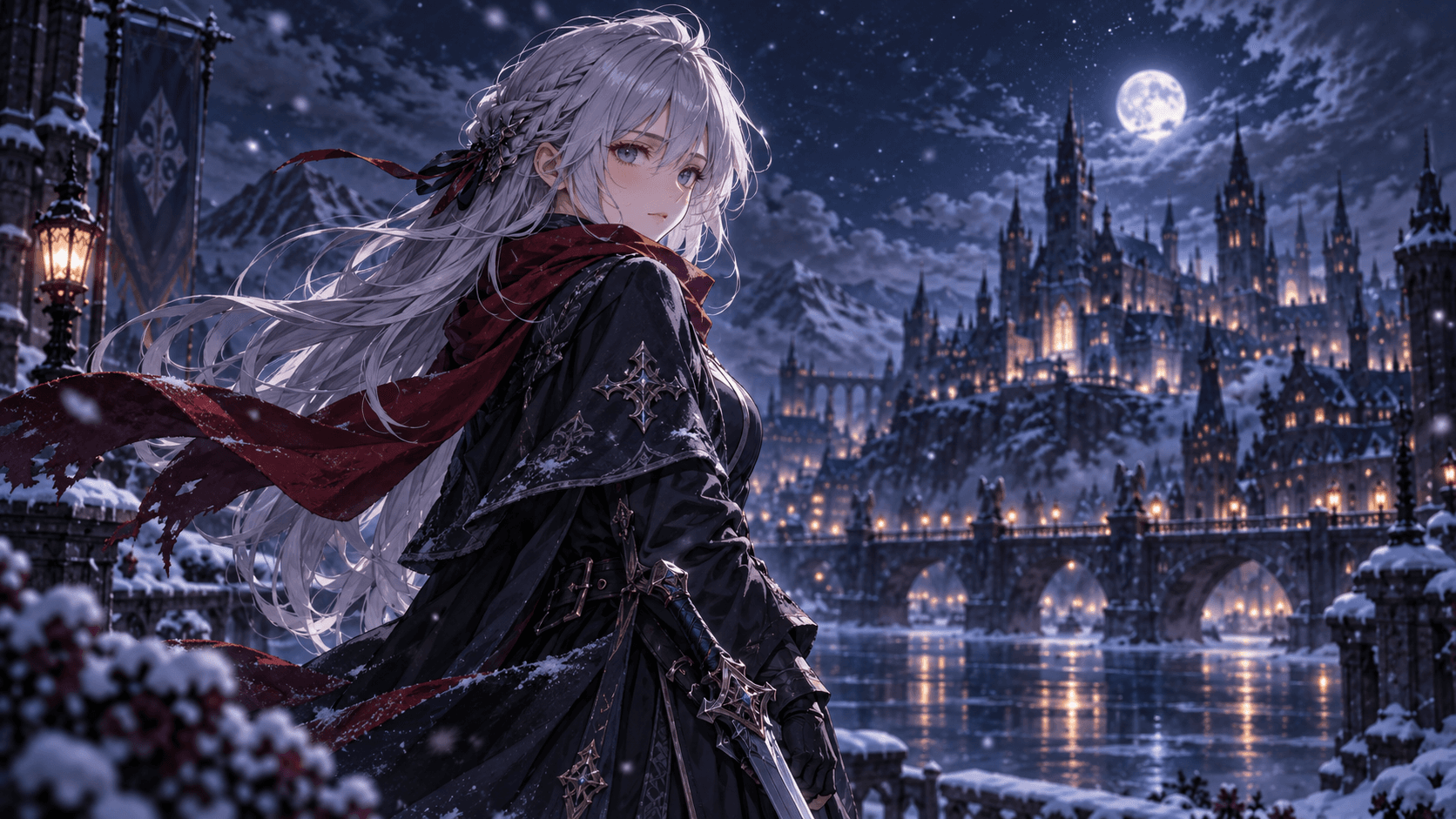
“Create an anime character in a snowy city at night.”
“Keep her silver hair, change the scarf to red, and add falling snow.”
From idea to image, then image to video. Your creative process stays in one focused conversation.
Turn a natural-language idea into a polished anime image.
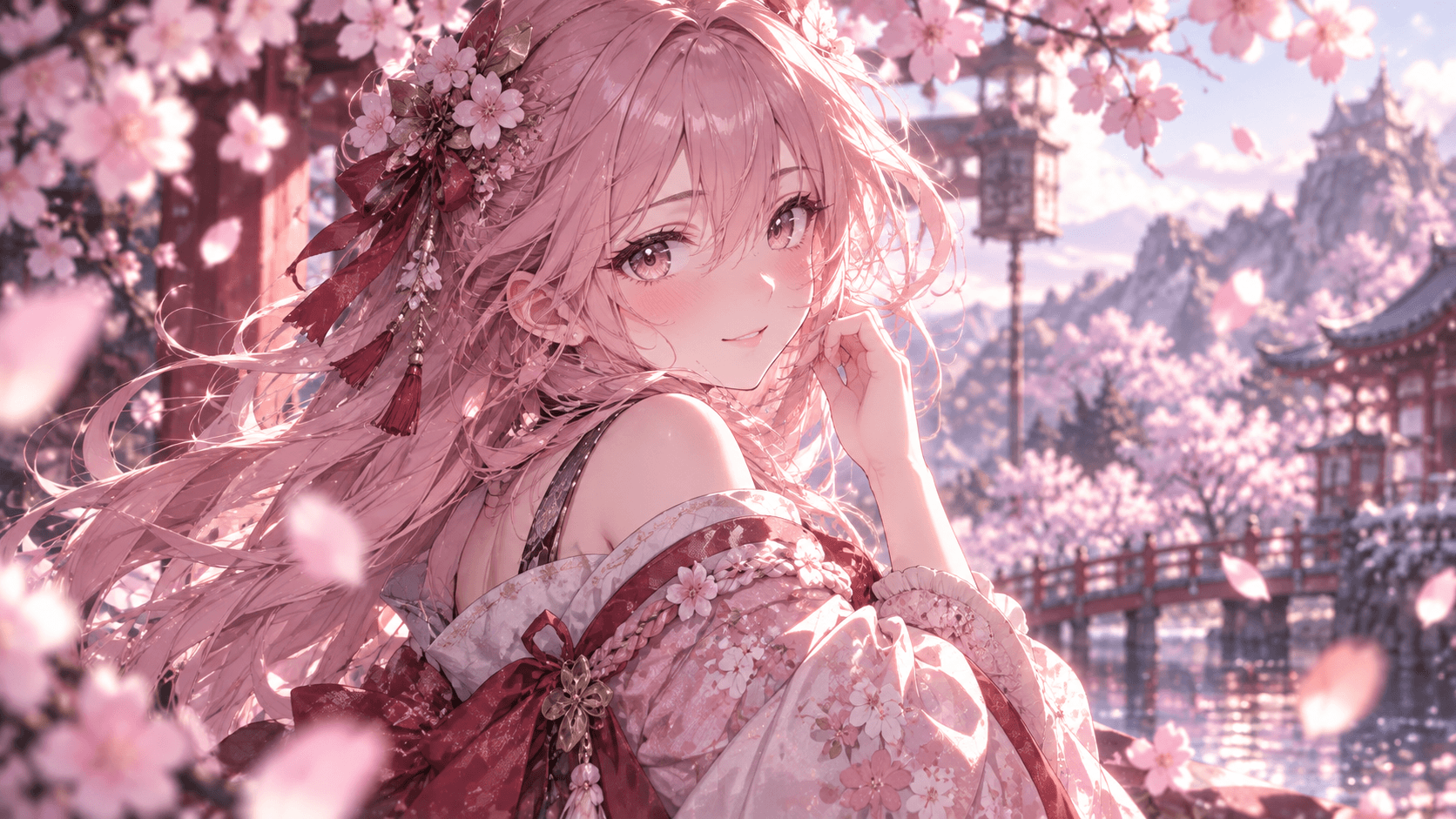

Adjust outfits, expressions, lighting, and composition in chat.
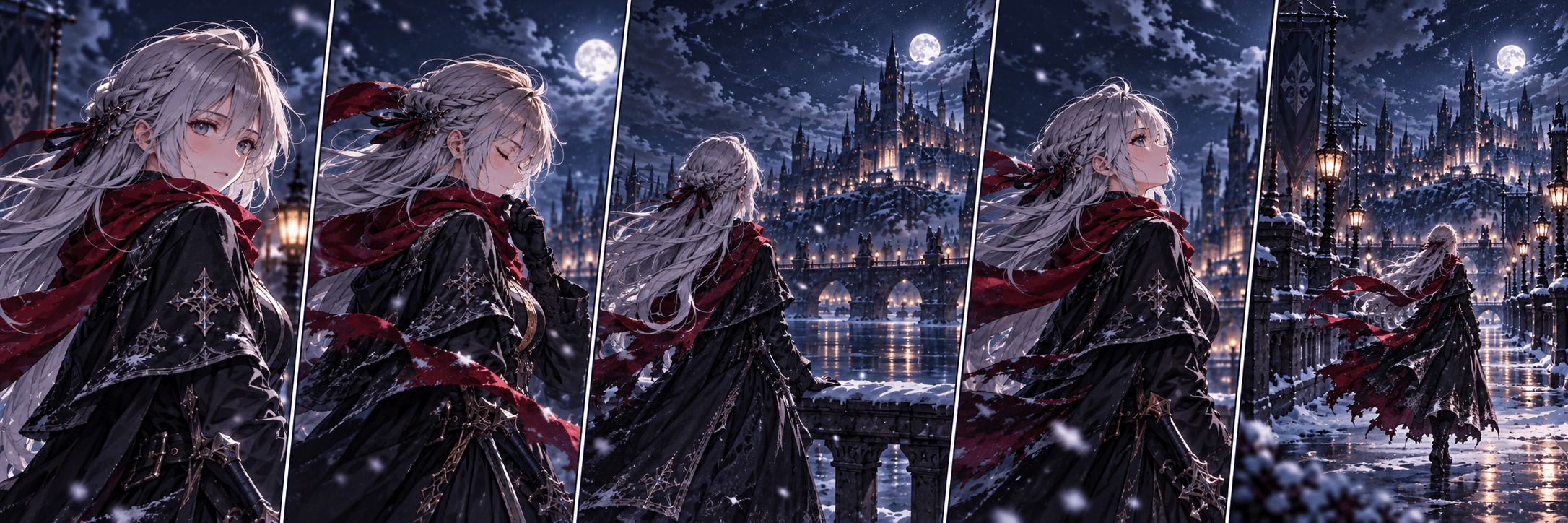

Keep the same identity across new edits and scenes.
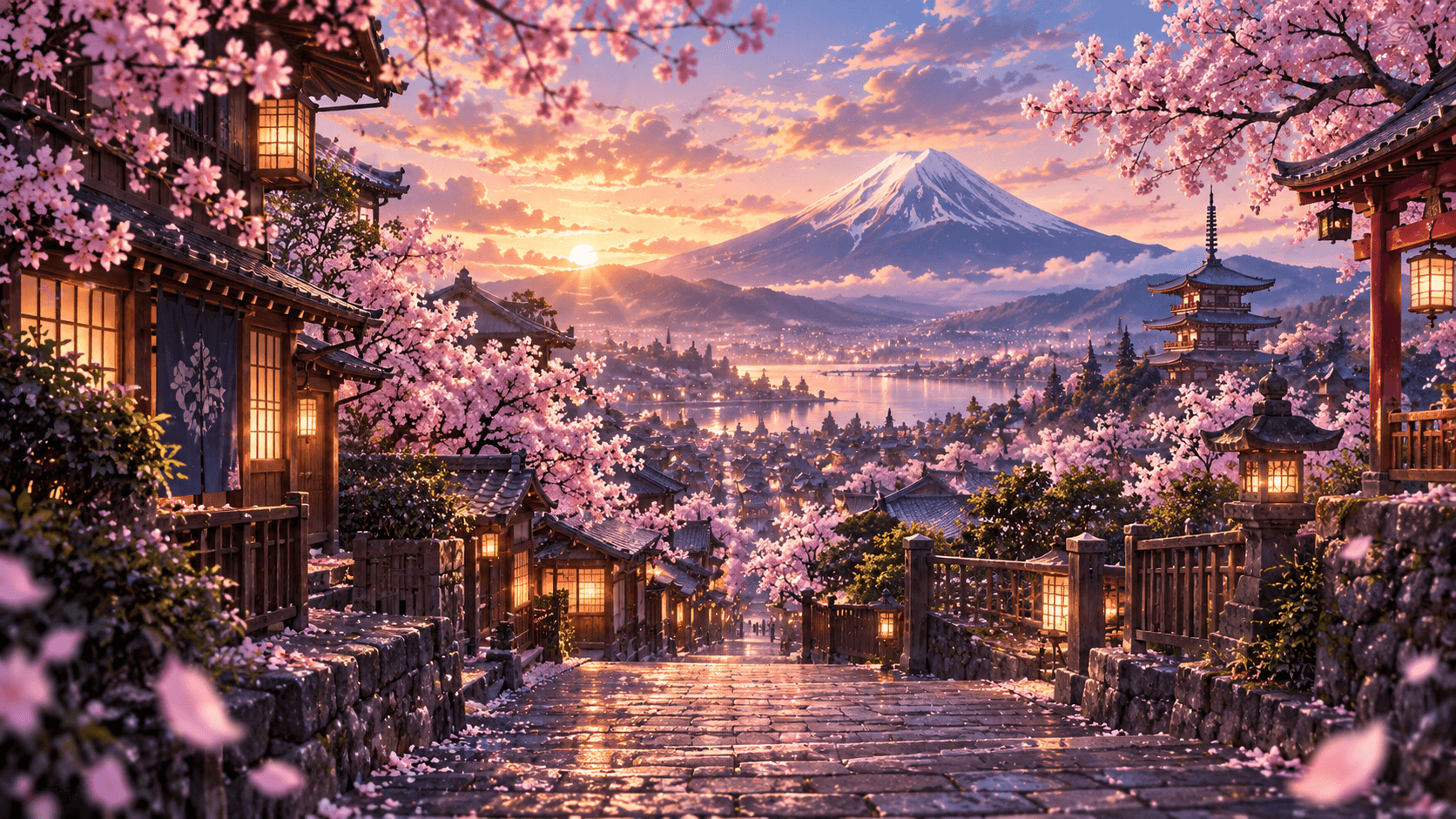

Turn a favorite image into a short cinematic anime clip.
Create by conversation
Refine the image you already like. The conversation carries your character and creative direction forward.
“Change her scarf to red.”
“Make it snow harder and increase the contrast.”
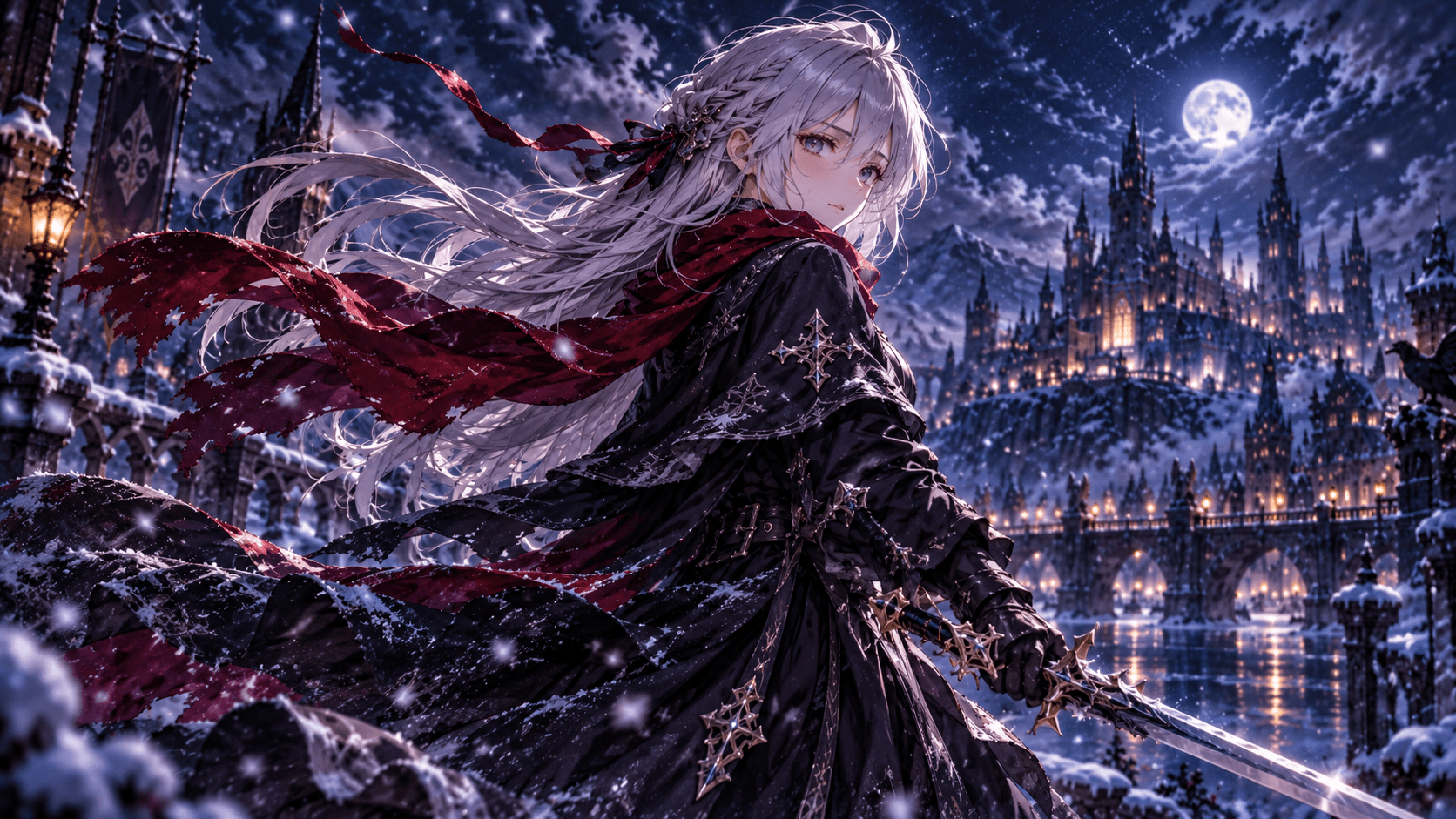
Lock in the character you love, then explore different scenes, moods, outfits, and compositions without losing their identity.
Tell the agent how the scene should move: camera motion, hair, expressions, action, weather, or atmosphere.
Demo preview — final output may differ.
Begin with one sentence. Every result becomes the starting point for what comes next, from an anime character generator request to a refined image or short clip.
Use natural language to describe the subject, setting, mood, and style. You can start with one sentence instead of learning a prompt format.
Review the image, then keep chatting to improve the character and scene. Focused follow-up requests make it easier to change one detail without losing the overall direction.
Turn a suitable image into a short motion clip or build the next scene from the same creative thread. The result depends on the selected workflow, source image, and available credits.
Create polished visuals for characters, stories, collections, profiles, and short-form video, then refine the direction through chat.
Build a recognizable hero, side character, or creature from a short description. This suits illustrators and writers who want several visual directions before choosing a final look.
anime character creatorCreate profile images, expressions, and close-up studies with control over lighting and framing. Start with a mood or reference, then ask for small changes to pose, hair, or color.
Develop an original character with a name, outfit, personality, and repeatable visual traits. It is useful for creators who want to explore an OC across scenes without starting from a blank canvas each time.
Generate wide scenes for desktop or mobile backgrounds, from quiet landscapes to dramatic city nights. Describe the composition and empty space you need so the image fits the screen instead of only looking good as a square.
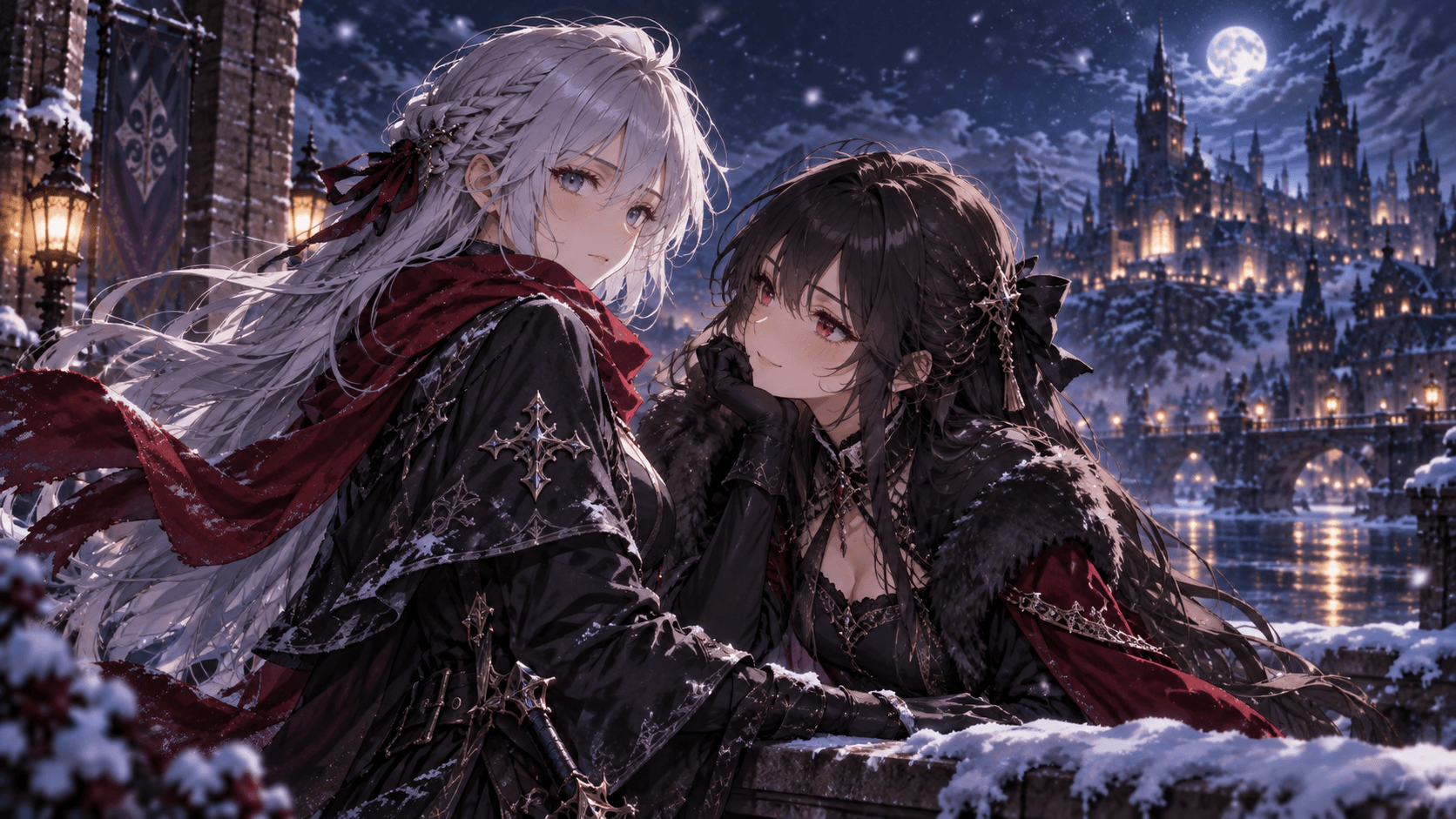
Create character pairings with a clear relationship, setting, and emotional beat. Couples, friends, and rival characters can be revised through chat as you adjust pose, distance, wardrobe, or atmosphere.
Turn a story moment into a visual with location, time of day, action, and camera direction. This works for novel planning, comics, moodboards, and anyone who needs several scenes to share a coherent tone.
Use a finished image as the starting point for a short anime video or motion concept. Describe camera movement, wind, facial expression, or environmental motion, while keeping in mind that video uses credits differently from still images.
Make polished visuals for posts, thumbnails, announcements, and creator profiles. Upload a suitable reference when you need the subject or visual direction to stay closer to an existing idea.
Explore characters, couples, landscapes, quiet portraits, and cinematic worlds created for the anime imagination.
Choose the credit plan that fits your anime creation workflow
Credits are used when the service generates or edits an image, and the amount depends on the selected operation and plan. Short video generation uses more credits than a still image because it processes motion across multiple frames, so check the plan details before starting a larger batch.
Billed annually: $95.90 (20% off)
For exploring anime characters and occasional creative sessions
Billed annually: $191.90 (20% off)
For creators who generate, refine, and animate ideas regularly
Billed annually: $383.90 (20% off)
For high-volume anime image and video creation
What to know about conversational anime creation, references, consistency, video, and current product capabilities.
An AI anime agent is a chat-based creative tool that turns an idea into anime images and helps you continue working from the result. You can describe a scene, ask for a revision, or move from a finished image toward motion without rebuilding the whole request.
A standard AI anime generator usually treats each prompt as a separate job. Chibiiq keeps the conversation and recent creative direction together, so you can make several focused changes across multiple turns.
Yes. You can ask for changes to clothing, hair, expressions, poses, lighting, backgrounds, and composition in ordinary language. Results can still vary, so specific requests and a second pass are useful for detailed edits.
The workflow uses the earlier character and reference context to help preserve recognizable traits while you change scenes, outfits, moods, or camera angles. Consistency is not perfect on every generation, so important details may need a targeted correction.
Yes. Start from an anime image and describe movement such as a slow camera push, wind in the hair, falling snow, or a changing expression. Video output is shorter and uses credits differently from a still image, so the available result depends on the selected plan and workflow.
No special prompt syntax is required. Say what you want in everyday words, then use follow-up messages to clarify details instead of writing a long prompt from scratch.
Yes. You can attach reference images to guide a character, outfit, composition, or visual direction. The workspace supports image uploads, but the output still depends on image quality, the request, and the model's interpretation.
New accounts receive the introductory credits shown in the current pricing section, so you can test the workflow before choosing a paid plan. Credit use depends on the operation, and image and video generations do not consume the same amount.
Explore another Chibiiq tool for your next character, scene, or short video.
Design an anime character, adjust outfits and expressions, and carry recognizable traits into new scenes.
Explore Anime Character CreatorStart with a sentence. Keep creating through conversation.
Start Creating Free