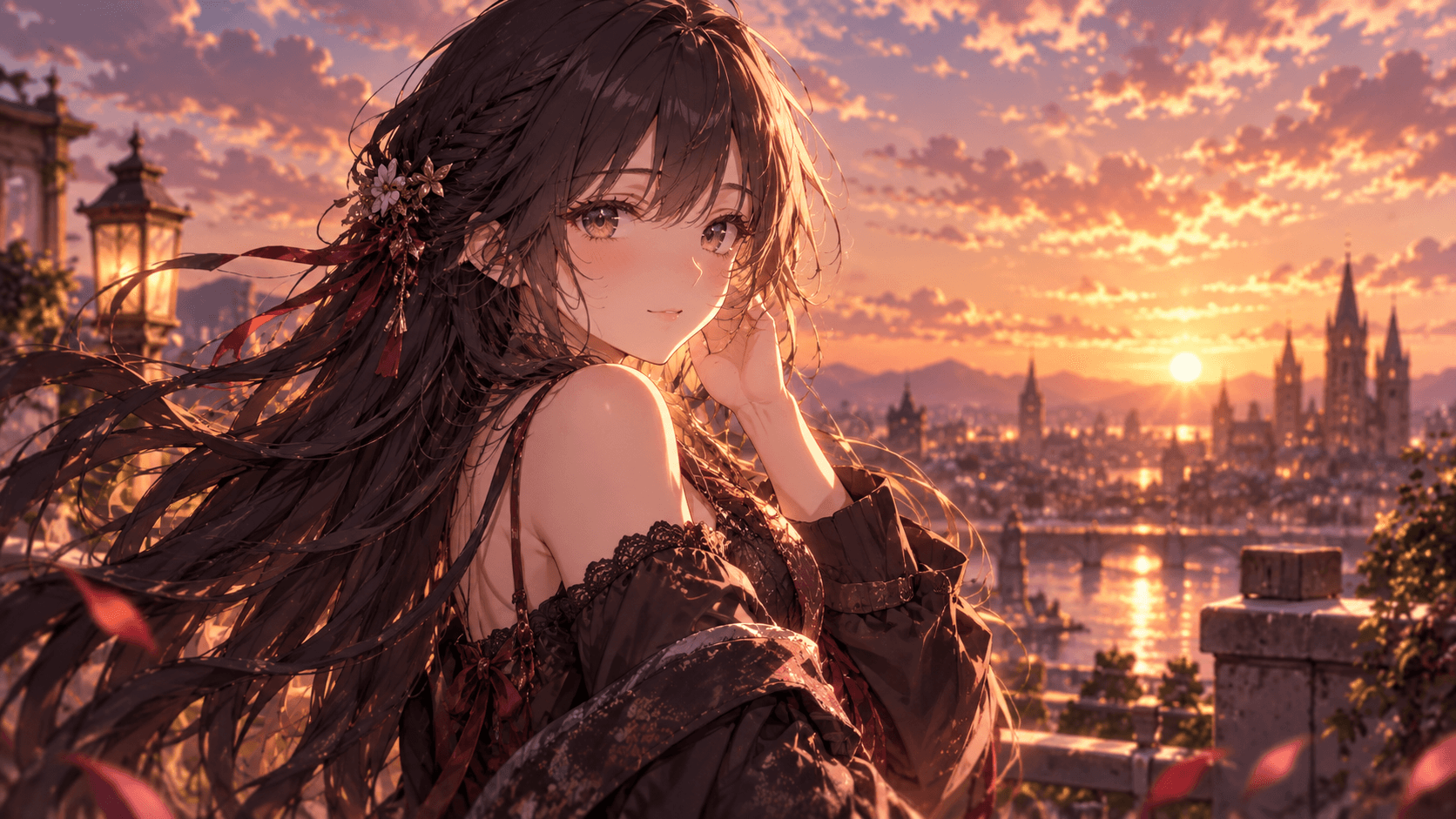

Create a Character
Describe hair, outfit, expression, and setting.
Your character starts with a conversation.
Describe your anime character, create an image, and refine outfits, expressions, and scenes in chat. Start with free credits.
 Character edits
 Consistent traits
 Character from text
 Reference images
Preparing your workspace
What anime character would you like to create?
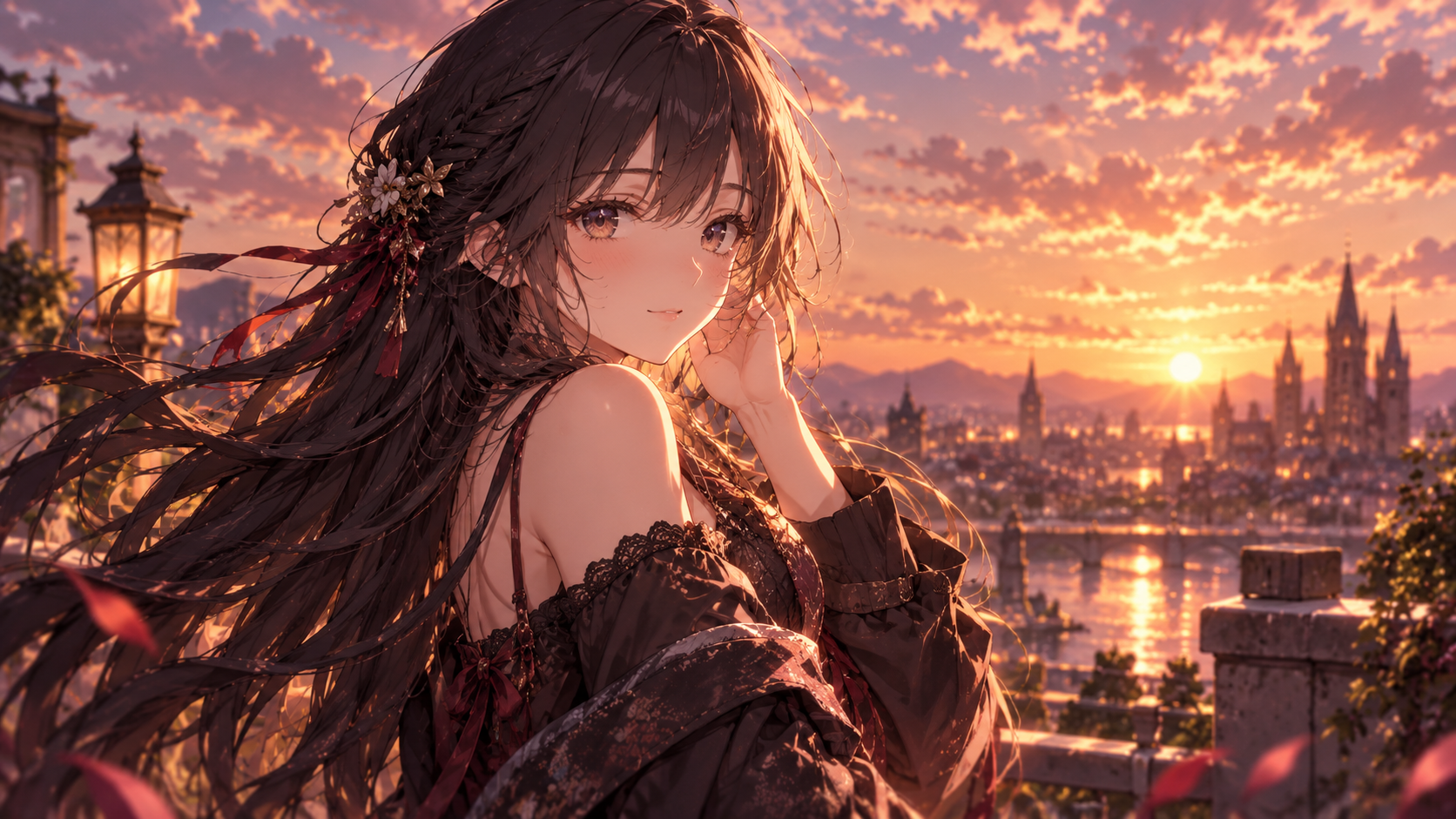
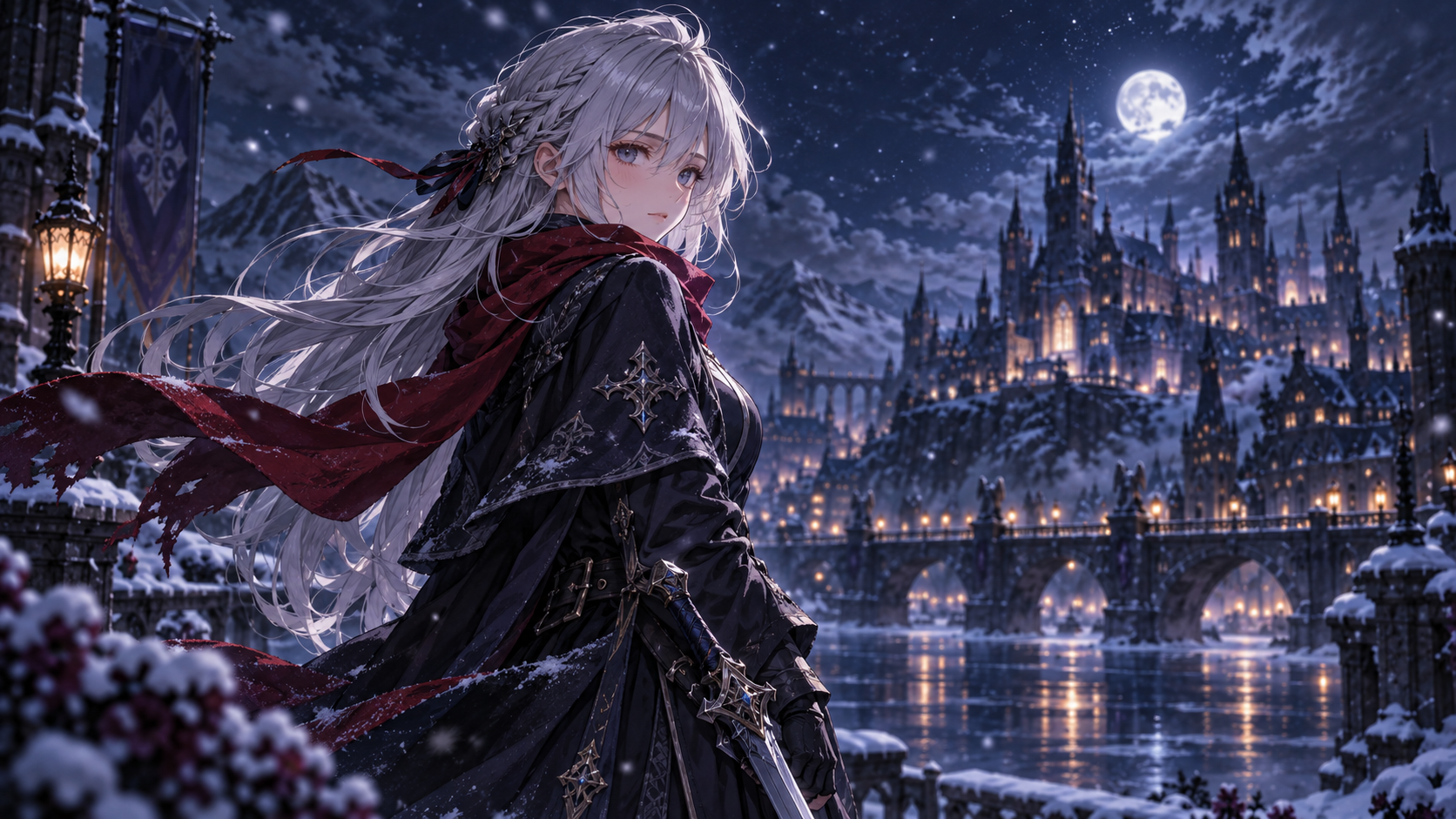
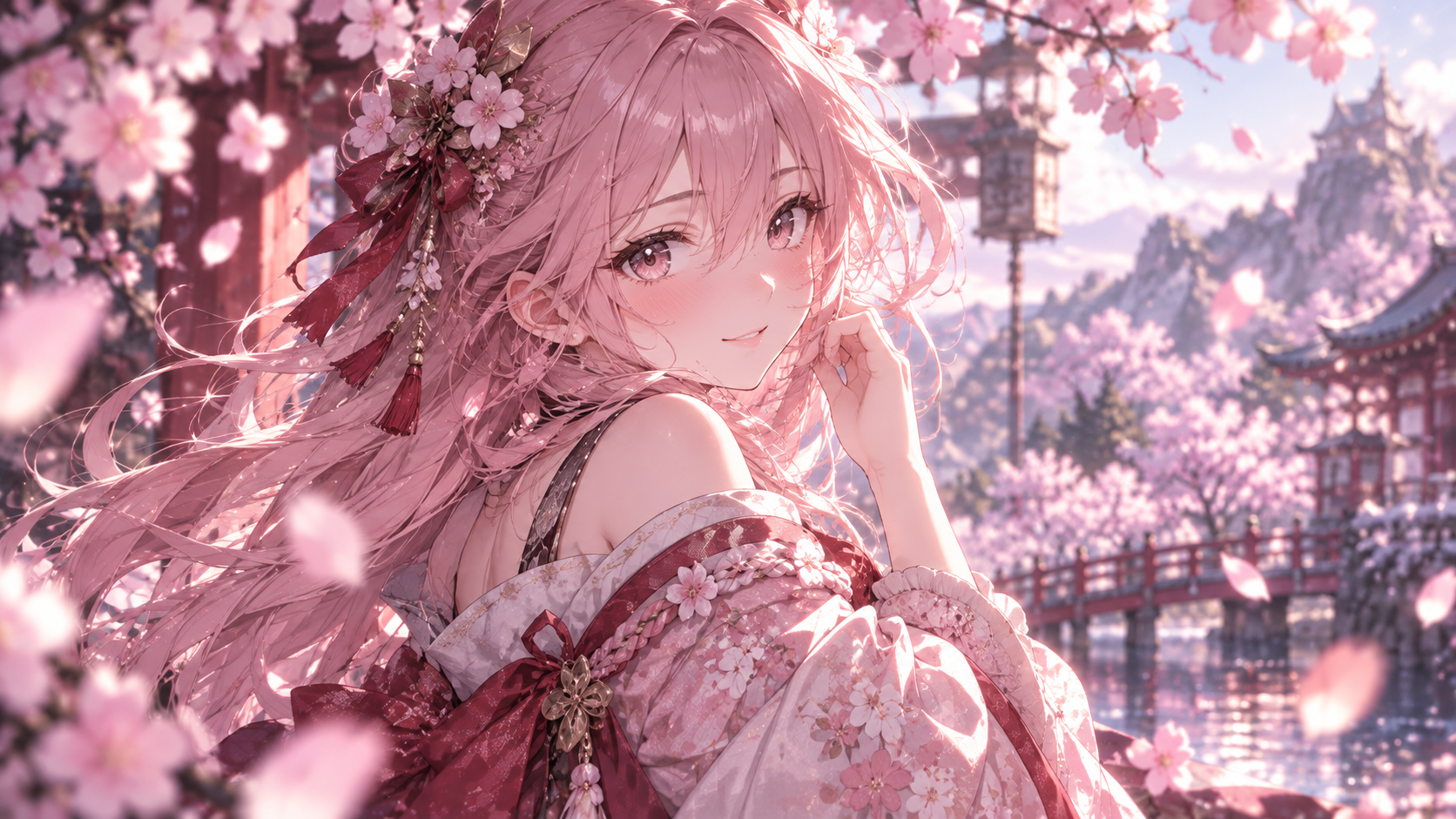
Example conversation
“Create an anime character in a snowy city at night.”
“Keep her silver hair, change the scarf to red, and add falling snow.”
Use the anime character creator to generate a first look, refine it, and continue into new scenes.
Describe hair, outfit, expression, and setting.
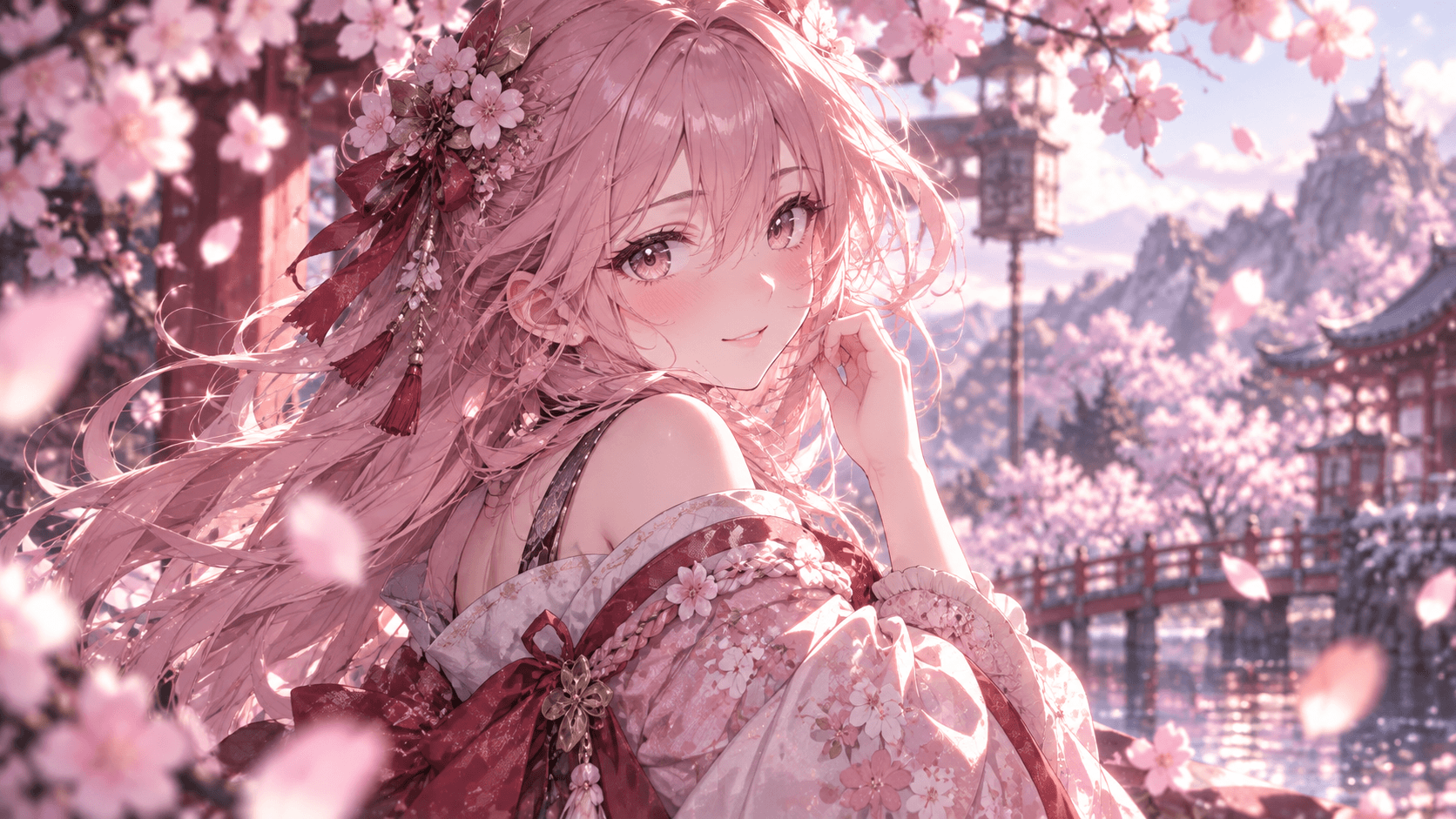

Change clothing, light, or framing through chat.
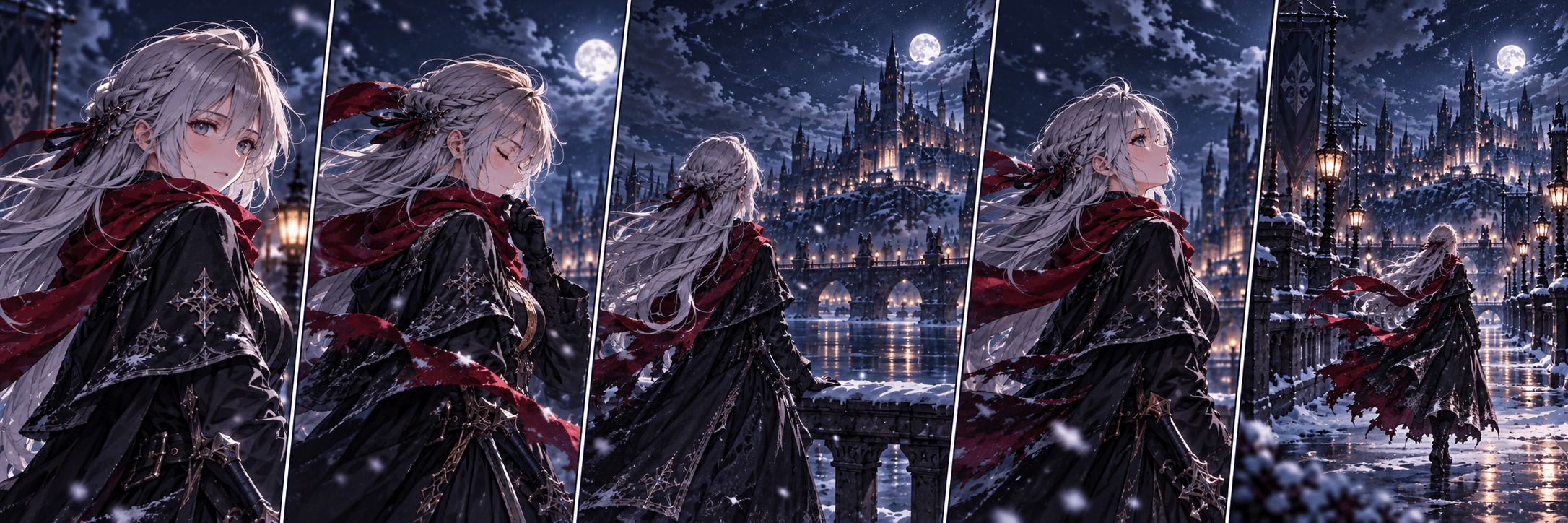

Carry recognizable details into another scene.


Make a short clip from a finished character image.
Create by conversation
Ask for a new outfit, a calmer expression, or different lighting. Name the features you want to keep, then review each change before continuing.
“Change her scarf to red.”
“Make it snow harder and increase the contrast.”
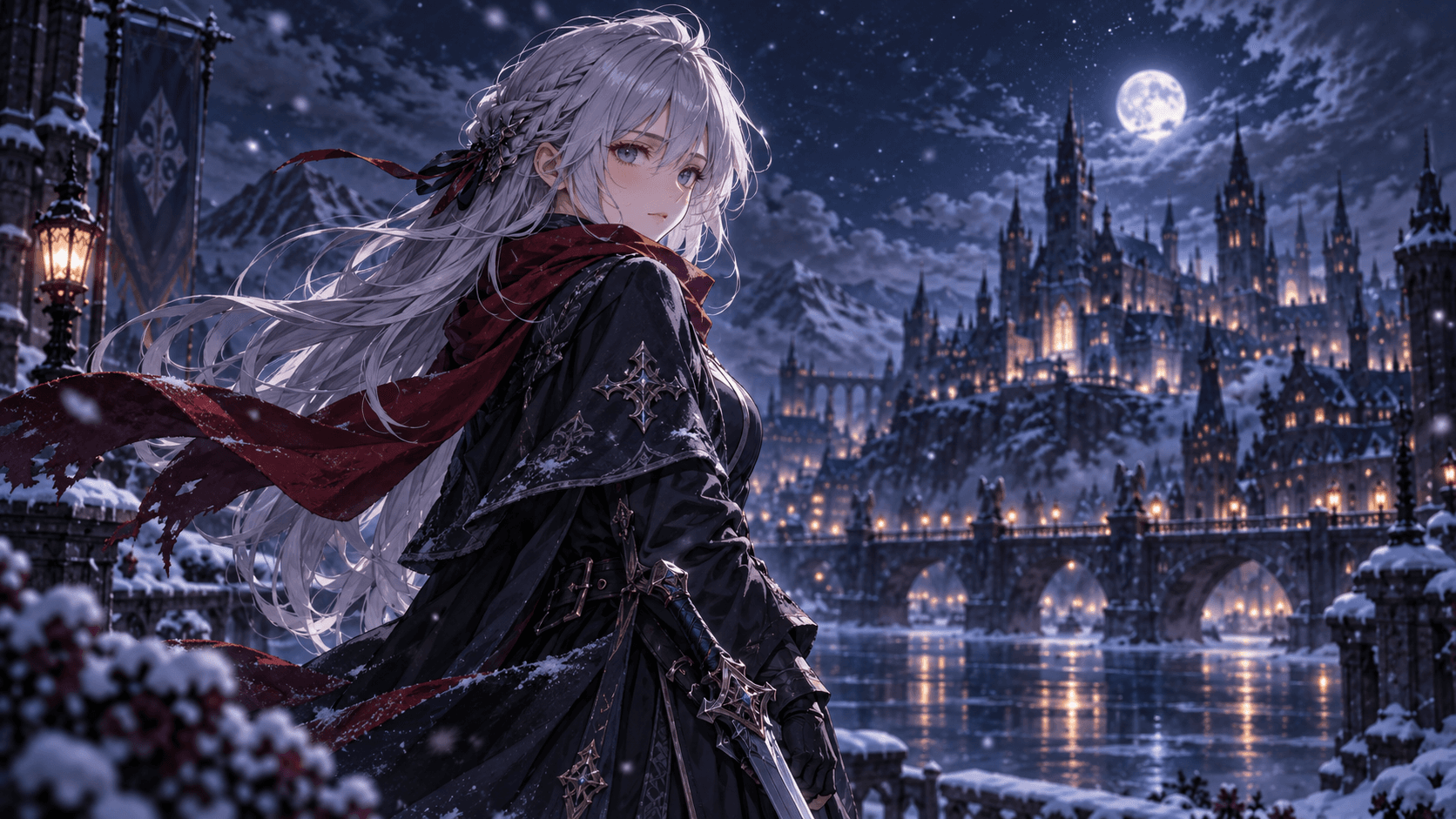
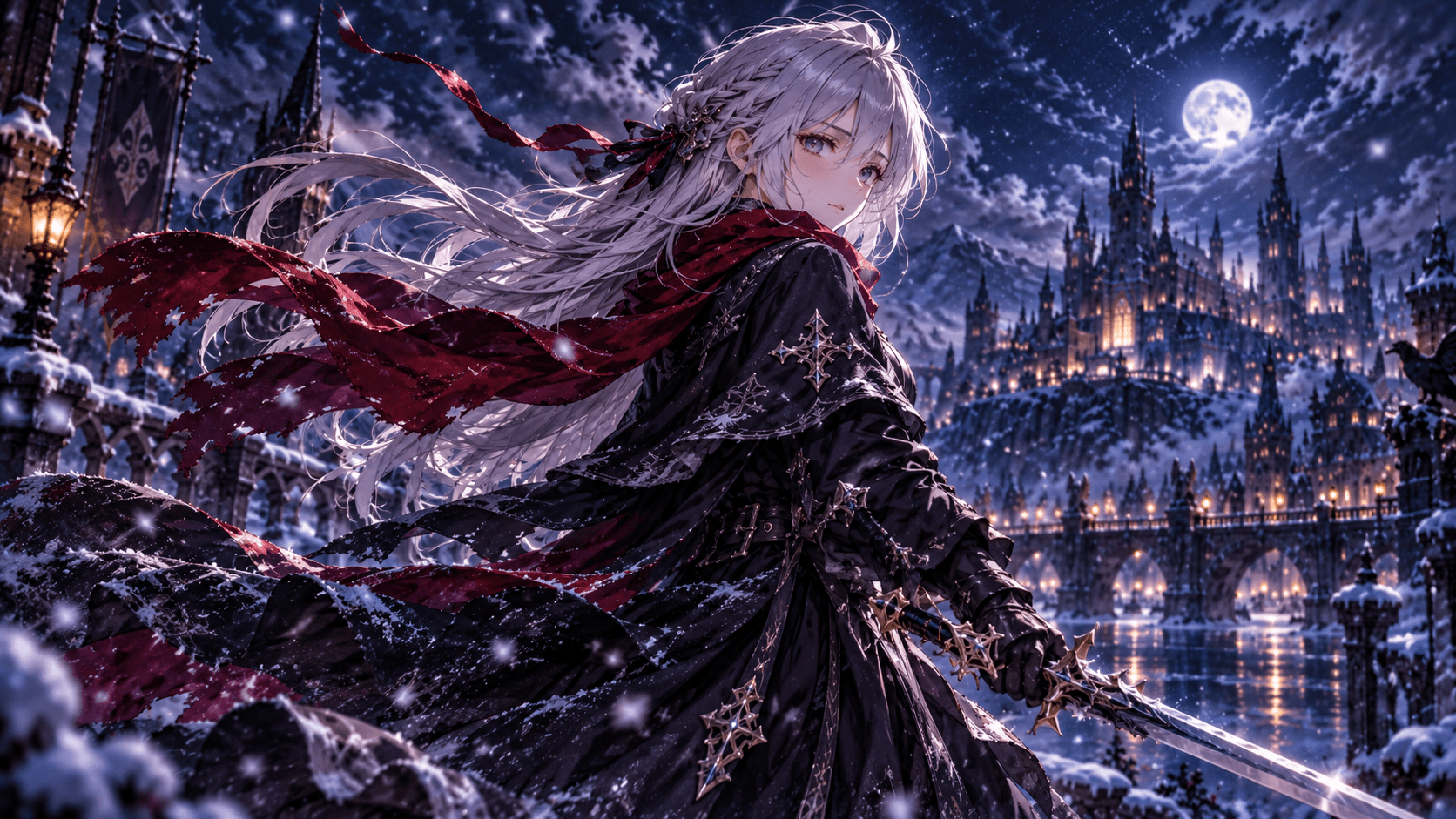
Keep working in one conversation to carry hair, facial features, and outfit colors across scenes. Consistency can vary, so check each result and correct important details.
Use a character image you like to make a short video. Describe hair movement, an expression change, or a slow camera push; video uses credits differently from still images.
Demo preview — final output may differ.
Begin with a short description and keep shaping the result in the same chat.
Choose visible details: hair, clothing, expression, and setting. Try a silver-haired swordswoman wearing a red scarf in a snowy city.
Review the face and outfit, then ask for a focused edit. Specify which features should stay the same.
Change the location or camera angle while keeping the character context. Once the image feels right, you can animate it.
These names describe the same task here: turning your character idea into an anime image, then refining the details through conversation.
Explore a hero or side character with distinctive hair, clothing, and colors.
Try close-up framing, a different expression, or softer lighting.
Test a new wardrobe while asking to keep the face and hair.
Place your character in another setting and check the recognizable traits.
Use these portraits and scenes as starting points for your own character description.
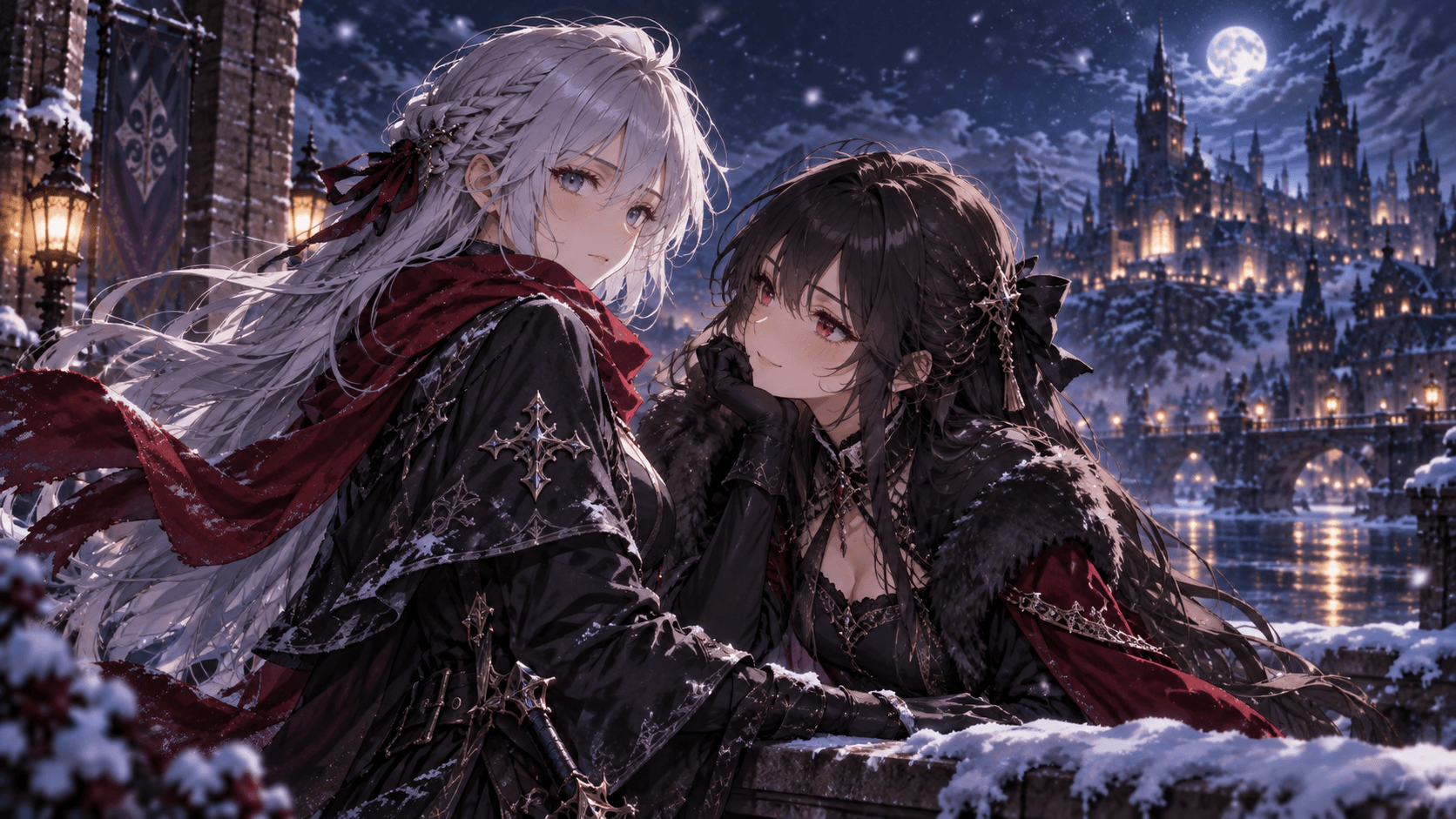
Try the anime character creator with free starter credits, then choose a plan for more images and edits.
Credit use depends on the operation. Character generation, image editing, and short video creation can use different amounts; check the plan details before starting a larger project.
Billed annually: $95.90 (20% off)
For exploring anime characters and occasional creative sessions
Billed annually: $191.90 (20% off)
For creators who generate, refine, and animate ideas regularly
Billed annually: $383.90 (20% off)
For high-volume anime image and video creation
What to know about free credits, character edits, consistency, and animation.
Yes. Chibiiq offers introductory credits so you can try creating a character before choosing a subscription. Free credits are a starting allowance, rather than unlimited generation. With annual billing, paid subscriptions cost the equivalent of $7.99, $15.99, or $31.99 per month. Check the pricing section for the current allowance and credit costs before planning a larger set of images.
No drawing skills or special prompt syntax are required. Describe the character in everyday English, including a few visible details such as hair, clothing, expression, and setting. Review the first image, then ask for a focused change. A clear starting description and short follow-up messages help you communicate what matters without writing a complicated prompt.
Yes. Continue the conversation and ask for the new outfit while naming the features you want to keep. For example, ask for a winter coat while keeping the same face, silver hair, and red scarf. Multi-turn editing uses the earlier image and conversation as context, although an important detail may still need another correction.
Chibiiq uses character and conversation context to help carry recognizable traits into another scene. Keep working in the same thread and repeat the details that define your character when needed. Consistency can vary between images, especially when the pose or composition changes substantially. Check each result and correct any drift before building the next scene.
Yes. Once you have an image you like, you can use the image-to-video workflow to make a short clip. Describe movement such as wind through the hair, a changing expression, or a slow camera push. Video uses credits differently from still images, so check the available credits and workflow details before starting the animation.
Explore another Chibiiq tool for your next character, scene, or short video.
Create anime images from a description, refine them in chat, and turn a favorite image into a short video.
Explore AI Anime GeneratorStart with free credits. Describe a look, review the image, and keep refining it through chat.
Start Creating Free